How to Add Your Auto Shop to ChatGPT (Join the Waitlist)
More of your customers are asking ChatGPT the questions they used to type into Google. “Who’s a good mechanic near me?” “Is this brake quote fair?” “Who can I trust with my transmission?” When they ask, ChatGPT decides which shops to bring up. Until recently, you had no say in that.
That’s starting to change. OpenAI has begun letting businesses add themselves to ChatGPT, so your shop’s real information can show up when people ask. It’s rolling out gradually, which makes today’s move simple and cheap: get on the waitlist so you’re in line the moment it opens to you. The whole thing takes about two minutes.
If you want the bigger picture on why this matters, we wrote about whether AI is already sending you customers in Is AI Recommending Your Shop?. This guide is just the how-to.
Before you start, have three things handy: a ChatGPT account (a free one is fine), your shop’s name, and an email address you actually check.
01Go to the business hub
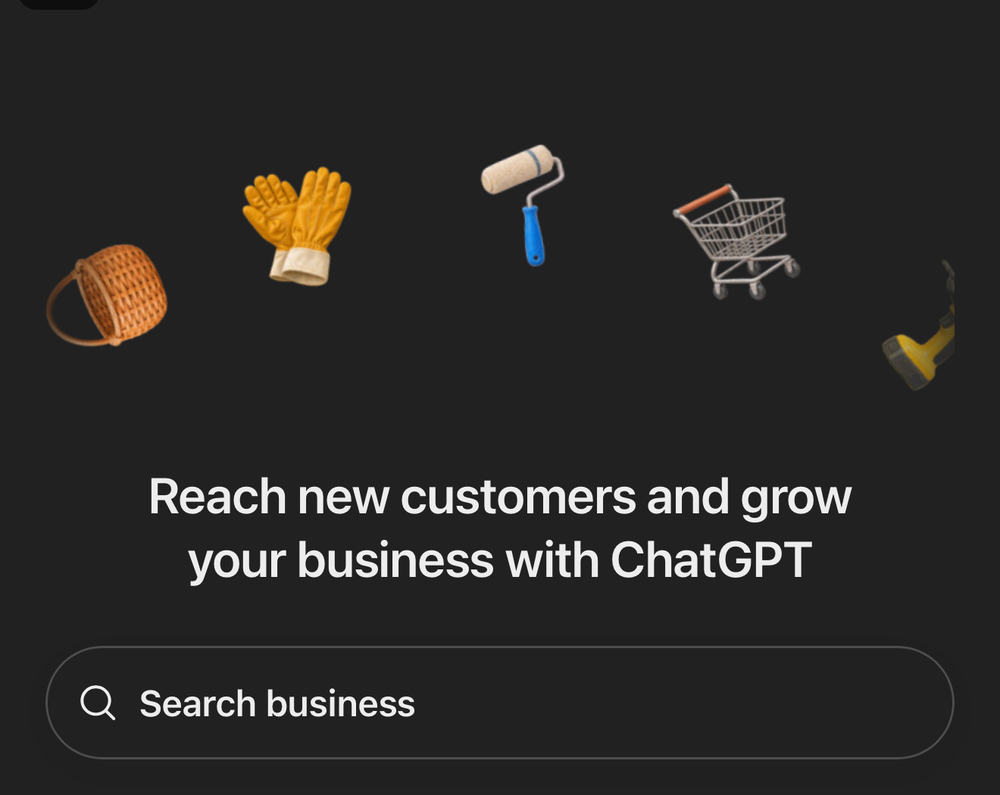
Head to chatgpt.com/business-hub and sign in if it asks. You’ll land on a page that says “Reach new customers and grow your business with ChatGPT.” Type your shop’s name into the Search business box.
02Start adding your shop
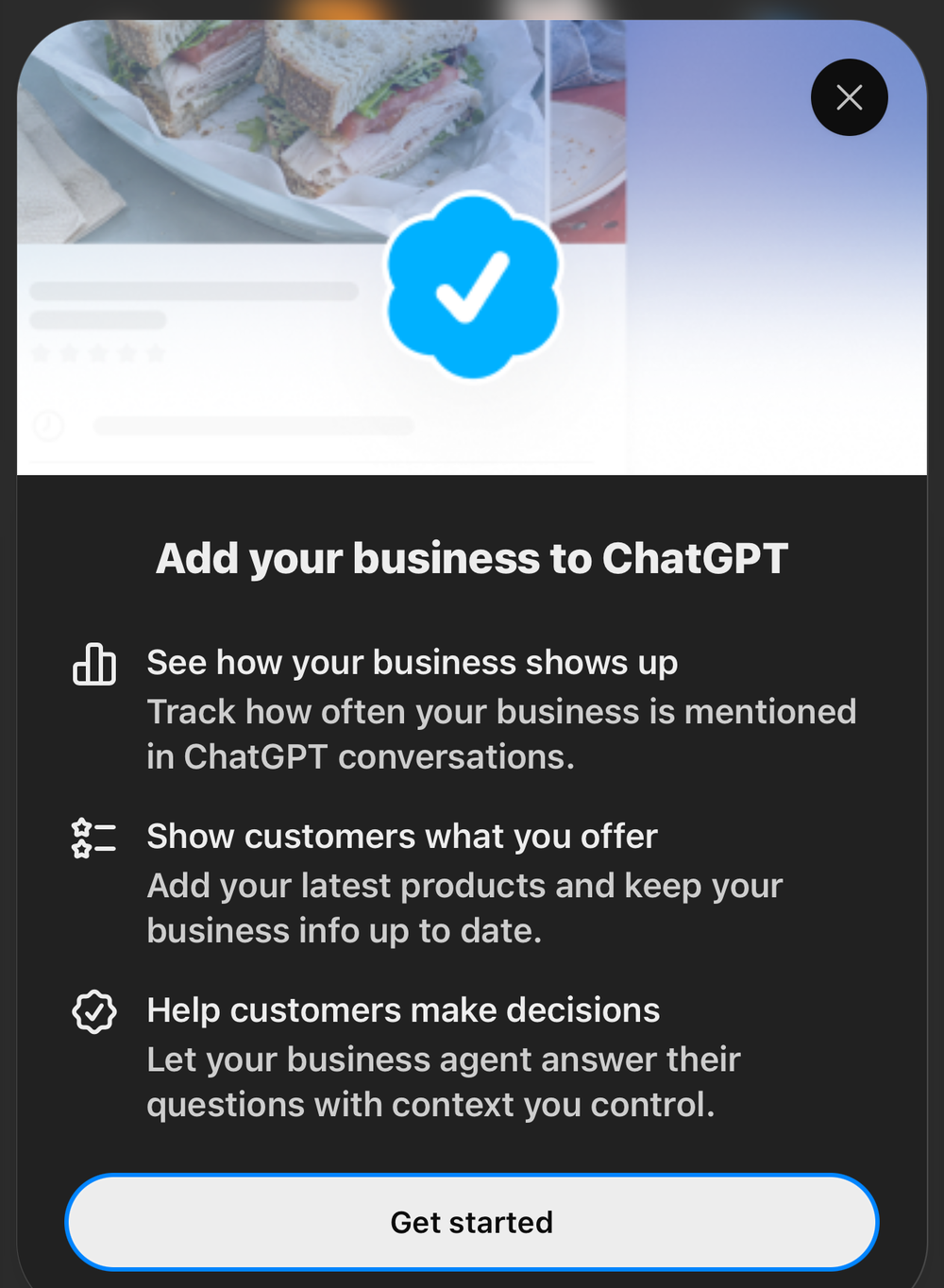
If your shop isn’t in there yet, you’ll see Add your business to ChatGPT. Tap Get started. This screen also spells out what you’re signing up for: seeing how often your business gets mentioned, showing customers what you offer, and letting a business profile answer questions with information you control.
03Tell it how customers reach you
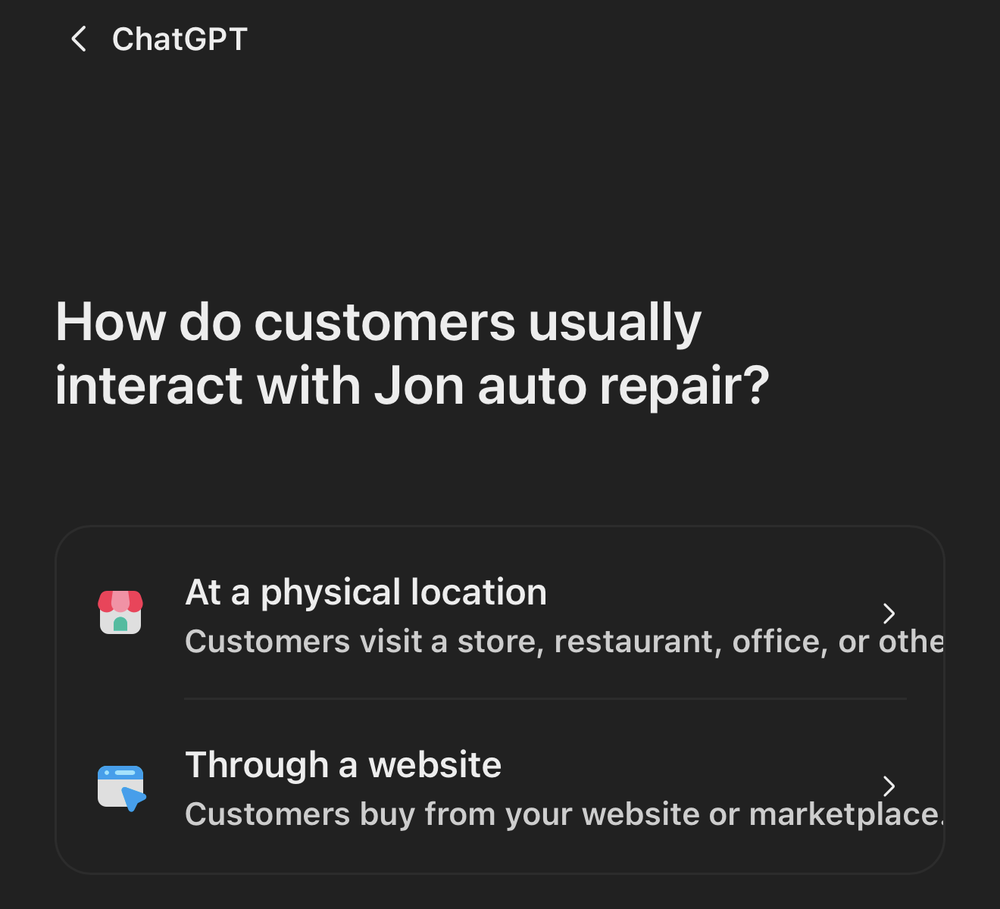
Next it asks how customers usually interact with your shop. For a repair shop, that’s At a physical location — people drive in. (If you also sell parts or service online, pick whatever fits, but most shops want the physical-location option.)
04Join the waitlist
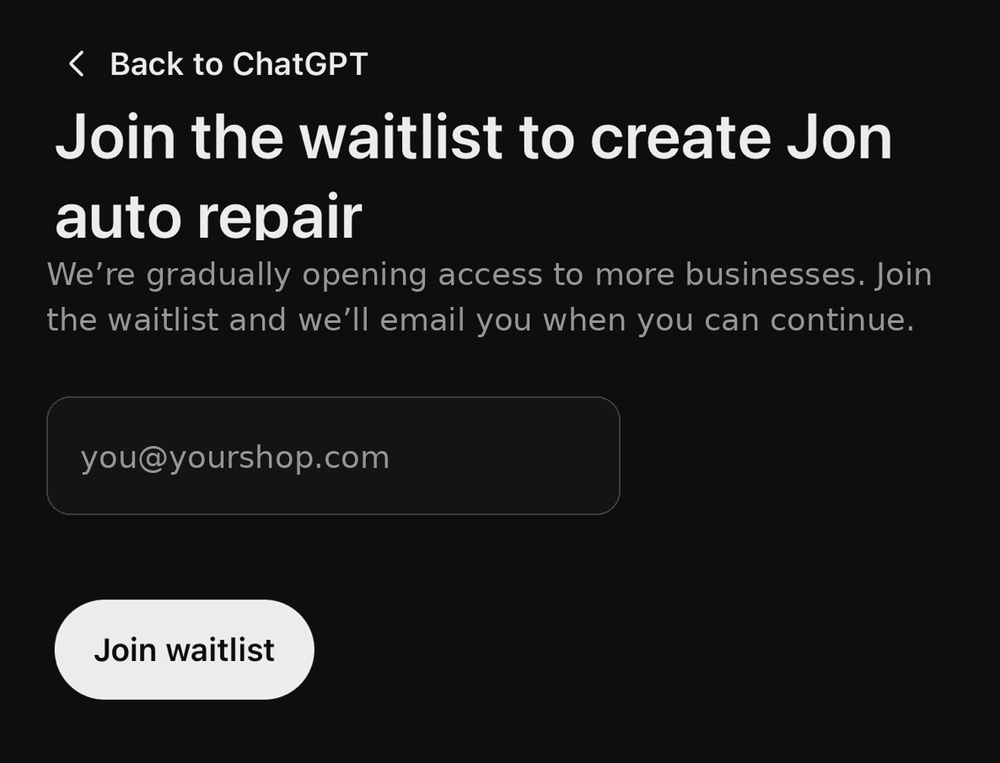
Last step. Enter an email you actually check and tap Join waitlist. That’s it — you’re in line. OpenAI will email you when your shop can continue.
What happens next
When your invite lands, you’ll come back to the business hub and actually build the profile: your services, your hours, the things you want ChatGPT to get right about your shop, and a dashboard showing how often you come up in conversations. We’ll follow up with a guide on that part once access is wider.
For now, the only job is to be early. This is new, the rollout is gradual, and nobody can promise exactly how much business it sends you. But it’s free, it takes two minutes, and being in the first wave of shops on a brand-new channel is the kind of small edge that quietly compounds.